ChatGPT
 Perplexity
 Grok
 Claude

The best knowledge base software for customer support depends on where your agents already answer customers. Pick a suite when articles must appear inside the reply view and feed an AI agent, and a standalone tool when one library has to serve staff and partners as well as customers, with different permissions, and a separate help desk is acceptable. Of the eleven platforms below, seven pair a help center with their own inbox or help desk, ProProfs sells an optional bundle, and three (Document360, Helpjuice and HelpDocs) stand alone.
RolChat is first because it publishes this page, and the order after it is not a ranking. What separates the platforms is mostly mechanics: how a plan counts people (per agent, per editor, per author or per company), which language and brand limits sit on which tier, and how much of the AI layer is billed on top.
Each section states what the vendor's own pages say, checked on 31 October 2026. Competitor prices are left out on purpose, because they move faster than a page can be revised.
Descriptions are general and drawn from what each vendor publishes. This is not a benchmark or an audit, and no competitor pricing appears below. Confirm current plans and features on each vendor's own site. Product names and logos belong to their owners, and the screenshots show each vendor's public pages as they looked on 31 October 2026. RolChat publishes this page and is one of the eleven platforms compared.
Our Top Picks
Three picks for three situations: one price for a whole support workspace, AI drafting on a help desk, and approval stages for documentation. The sections below hold the detail and the limits of each.
One help center portal on every plan, with the inbox and tickets in the same workspace and one price per company instead of per agent.
A builder reads past tickets to propose a structure and draft articles for an admin to refine and publish, and search answers come with their source articles.
Custom stages beyond Draft and Published with roles mapped to them, and public, private or mixed access inside one knowledge base.
RolChat publishes this page and is listed first on purpose, so read its claims against its own pricing page. The other ten platforms are described from their vendors' own pages, checked on 31 October 2026, and where a vendor does not publish a price, a limit or a plan sheet, the section says so. No competitor prices are shown.
What a support knowledge base has to do
A support knowledge base does three jobs at once. Customers find an answer without opening a conversation. Agents reuse the approved wording inside a reply, and any AI agent draws on the same text instead of keeping a second copy that drifts from the first. A tool that handles only the first job is a documentation site. That is fine for a product manual.
A knowledge base is a searchable library of articles that answers recurring questions. It is written once and read by customers and agents alike, and increasingly by AI. A help center is its public face. A wiki is the same idea for staff, and an FAQ is a single page of questions with no search and no review behind it.
The three terms get mixed up in search results, so here is how they differ.
| Question | Knowledge base | Wiki | FAQ |
|---|---|---|---|
| Who reads it | Customers and agents | Staff | Visitors with one question |
| Who edits it | A few roles with review | Many people on staff | Whoever owns the page |
| What stands behind it | Search, categories, reporting | Page history | Usually nothing beyond the page |
Knowledge base vs wiki is a question of audience, since a wiki is written by and for staff. FAQ vs knowledge base is a question of depth. One page of questions has no search, categories or review behind it. Knowledge management is the practice of capturing what a company knows; the knowledge base is one tool for it.
Most of the platforms below state that they can keep team-only or restricted content beside public articles, so one library can serve both audiences. The customer service knowledge base guide covers keeping that content accurate once a tool is chosen. A team that currently keeps both audiences in Notion can compare seven alternatives to Notion by who reads the pages.
RolChat
RolChat puts the help center in the same workspace as the inbox and ticketing, and prices the whole workspace per company instead of per agent. Switching the module on creates a portal at help.rolchat.com under your account slug. A custom domain such as help.yourcompany.com needs one CNAME record pointing to portal.rolchat.com and a Verify click; TLS is then issued automatically, and the help.rolchat.com address keeps working beside the new one.
In the editor, articles take rich text, tables, embedded video, callouts and code blocks, with images up to ten megabytes, and each article carries a category and tags plus an SEO title and description. Everyone can write drafts. Managers and above publish and archive, and Admins delete articles and change portal settings. An article moves from draft to review to published, can be archived, and is either public or internal for agents only.
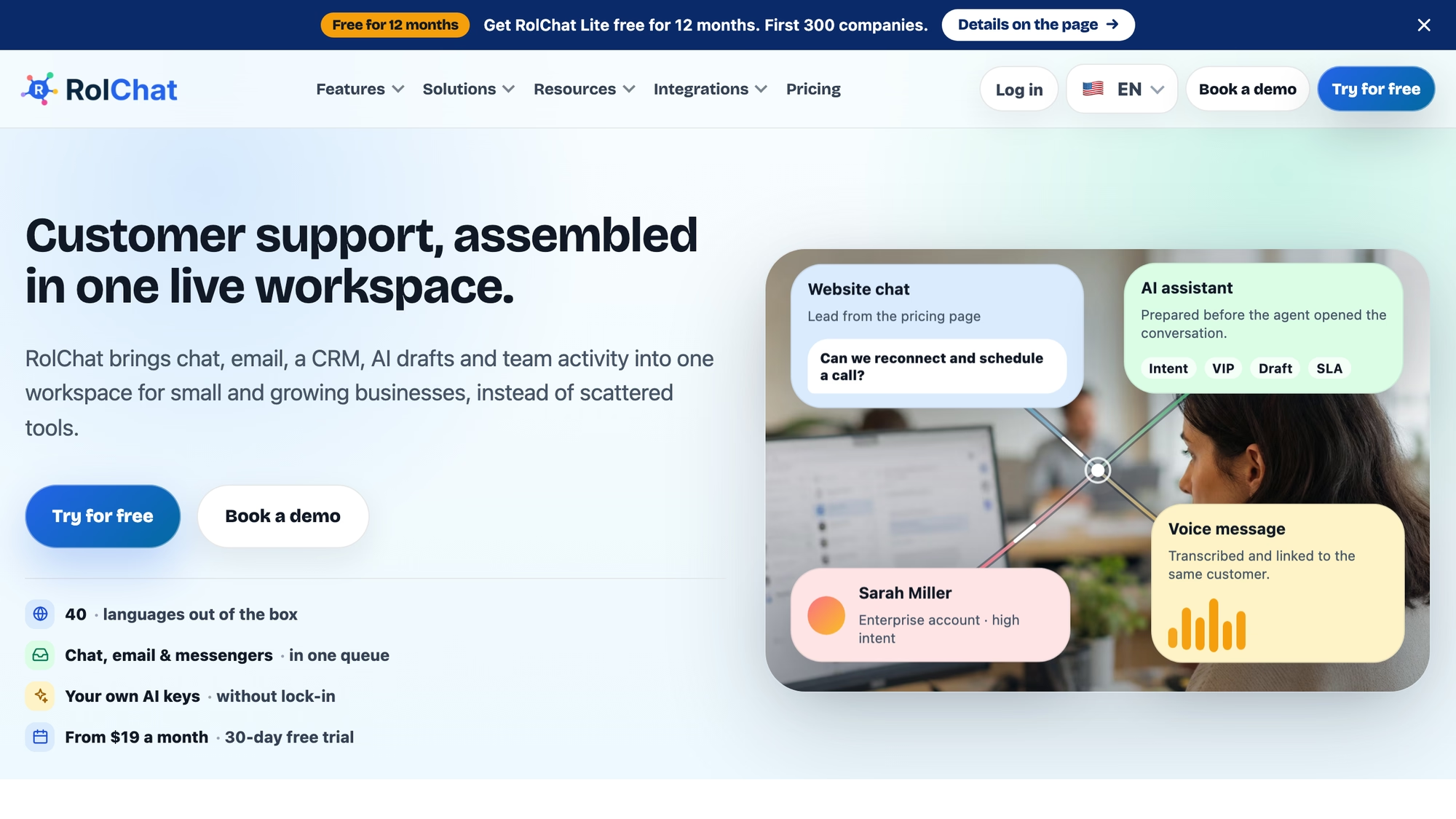
The help center search is full-text with typo tolerance and shows results in the reader's language first. The portal can be arranged with about two dozen toggles in Settings: featured categories on the home page, popular this week, related articles, helpful votes, a styled not-found page and a language strip.
- One portal is included on every plan in the pricing table, Lite included.
- The chat widget shows the three best matching articles while a visitor types, and the agent's side panel has a knowledge base search with an Insert link action.
- A visitor who finds the answer can say so, and the reports count it as a deflection.
- One article can exist in several languages, and the portal falls back to the default language when a translation is missing.
- Every portal page meets WCAG level AA, and pages are indexable unless the portal is marked private.
RolChat's AI layer needs a provider key of your own, and that provider bills you. With a key connected, the bot's knowledge screen groups answers into confirmed ones, answers read from your site that wait for a check, and drafts, and a draft never goes live until a person confirms it. Gap detection turns questions that got low-confidence answers into draft articles, and translations can be drafted with the same key. Without a key the portal, the editor and the search keep working.
Lite is $19 a month per company with 3 agents and 1 site, and Standard is $49 with 10 agents and 5 sites; each extra agent is $5 and each extra site $10 on Standard and above. Premium at $99 is listed as coming soon, and Enterprise pricing is custom. There is no free-forever plan, only a 30-day trial. The pricing table gives Lite basic reports and Standard all reports, and the migration offer covers contacts, team settings and the widget but does not list help articles.
Best for: a team of up to ten that wants the help center and the inbox under one company price instead of a per-agent bill.
Zendesk
Zendesk's product page ties the knowledge base to self-service, to its AI agents and to human agents at once. It describes a builder that reads past tickets to propose a structure and drafts articles for an admin to refine and publish.
Generated answers in help center search link back to the articles they draw on, and knowledge connectors pull approved material from sources such as Google Drive or Confluence. Zendesk's own guide says the product includes a branded help center, community forums and a client portal, and credits it with more than 80 languages.
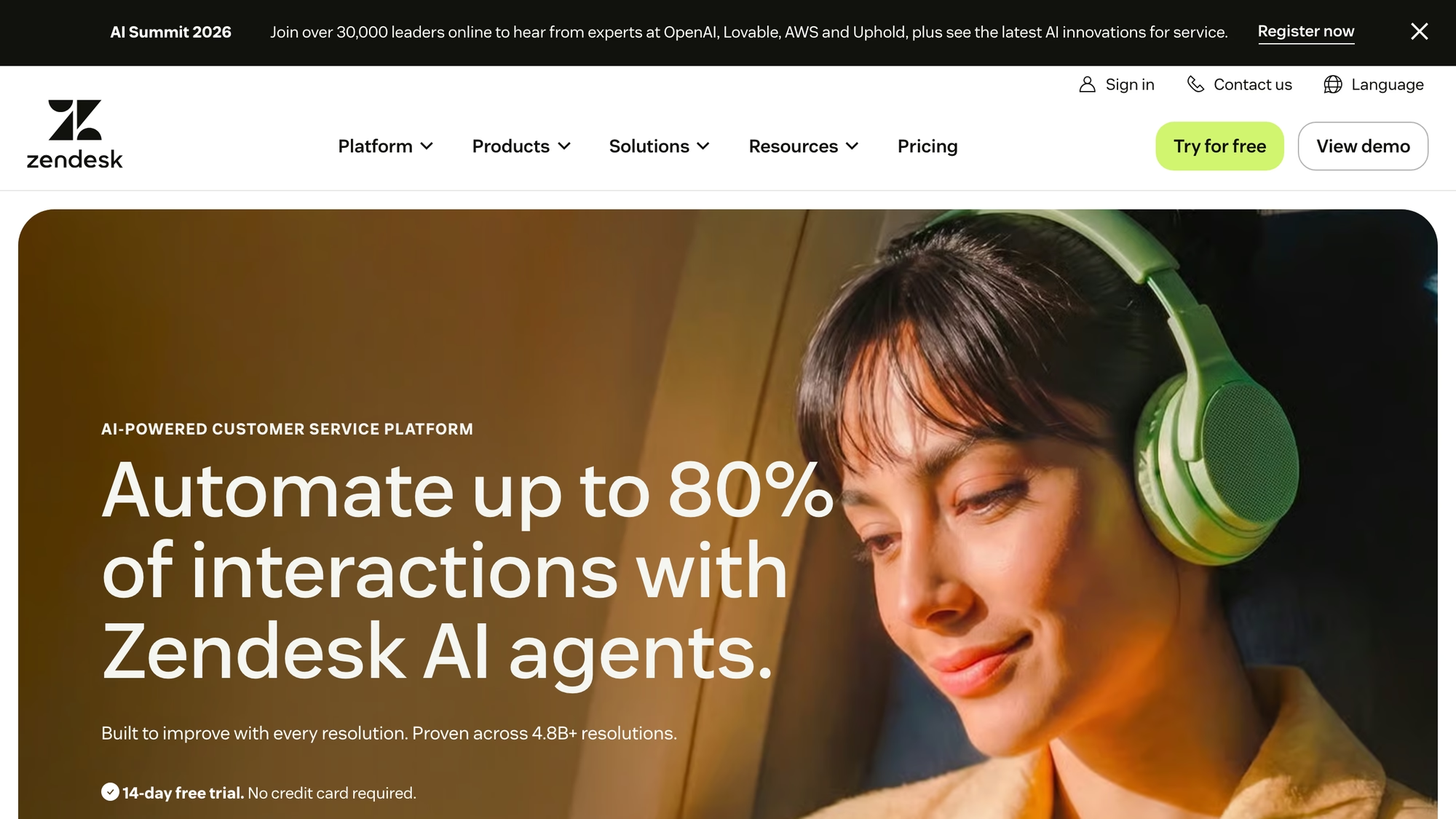
Billing is per agent, and AI agents are billed per automated resolution.
- The AI knowledge base is listed from the Suite Team tier up, and the Support Team list does not include it.
- Admin Copilot is listed from Suite Professional, and the product page says it flags content gaps and outdated articles.
- Host mapping, which points a subdomain of your own domain at the help center, is in the plan comparison table.
- Enterprise plans generally require sales engagement, the page says, and add-ons vary by plan and purchase path.
Reporting covers content performance and search trends, and agents are shown relevant answers and procedures based on the customer's request. None of the three Zendesk pages checked states an article cap or help center author roles.
Best for: ticketing that already runs on Zendesk, with articles meant to feed its AI agents.
Help Scout
Every Help Scout plan includes at least one Docs site, the vendor says. One site can mix customer-facing and team-facing articles. It can sit on a custom domain such as support.yourdomain.com, and it takes brand colors and a logo without code; teams with a developer can add custom CSS.
More than one Docs site is possible. Each has its own subdomain, and the number allowed differs by plan. Help Scout suggests separate sites for separate products or for individual customers, and each site has its own translation settings, so keeping one site per language is possible; the support article also lists AI Assist (beta), Weglot, Crowdin and Transifex.
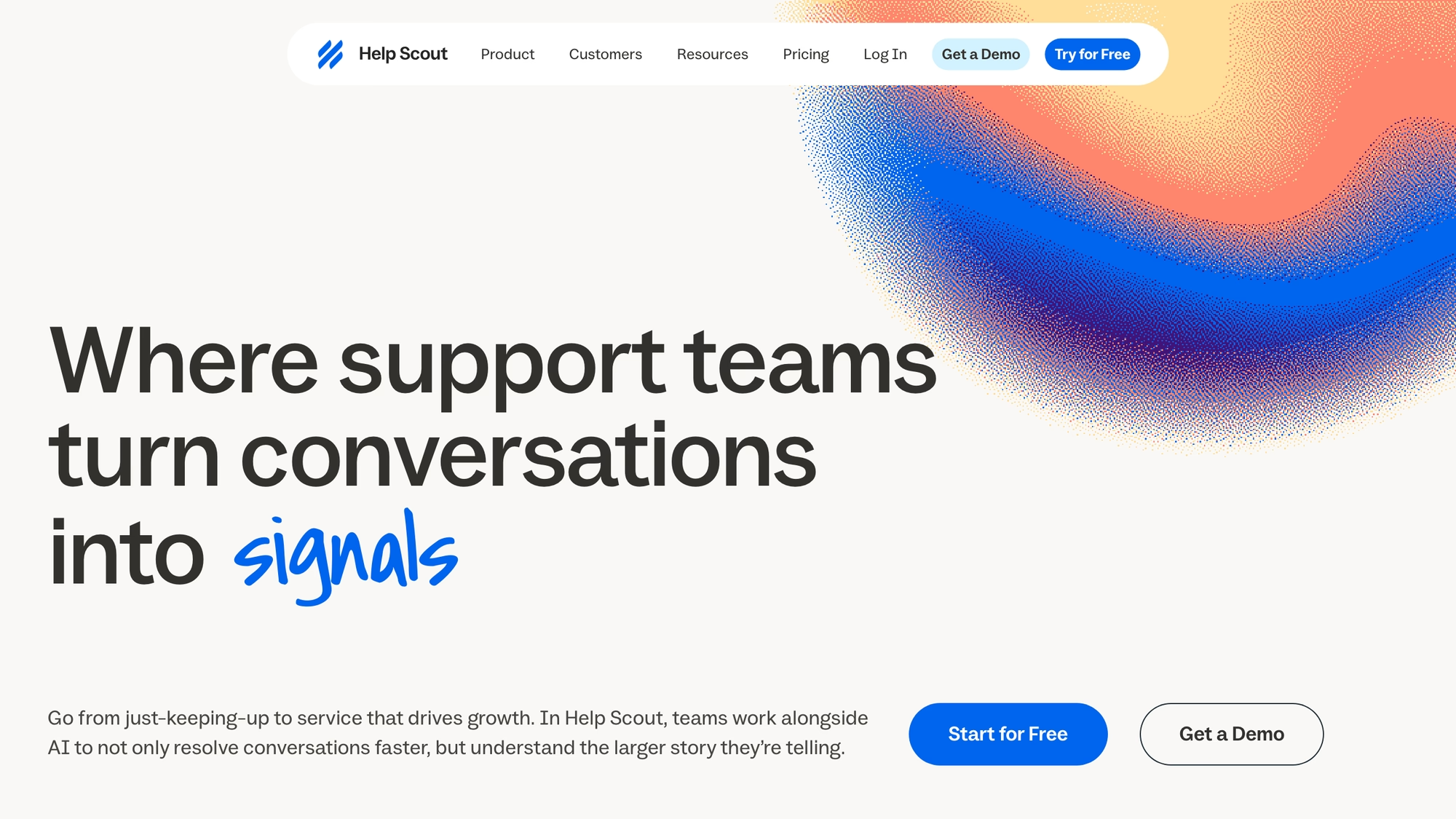
Billing is per user per month, with the AI add-on on the pricing page billed per resolution.
- A shortcut menu inside a conversation finds and links articles, and failed searches show what the base does not cover.
- The import tool can bring Zendesk content over, and the built-in AI agent, Scout, and the Copilot draw on the Docs content.
- Any user whose role has the Edit articles and categories permission can use the Docs editor.
- Private collections are by default visible to signed-in Help Scout users only, and customers cannot comment on articles.
- In search, the keywords field is the highest ranking section.
The support article says there is no limit on articles per site, while the pricing table lists a smaller cap on the lowest plan. Restricted Docs needs custom code written against the Docs API. It and an AI Assist translation feature, still in beta, are available on Plus and Pro. Help Scout also says that Docs is not built for storing customer data. There is no self-hosted version, now or planned.
Best for: a small support team that wants a Docs site without leaving its shared inbox.
Freshdesk
Freshdesk's knowledge base publishes articles in several languages through a branded portal or a widget on your site. Customers see suggested articles before they submit a ticket, and agents can turn a ticket reply into a solution article.
Authors can draft in advance, collaborate on edits and put an approval step before publishing. Customers can search the knowledge base and the forums in the branded portals, or reach out for help.
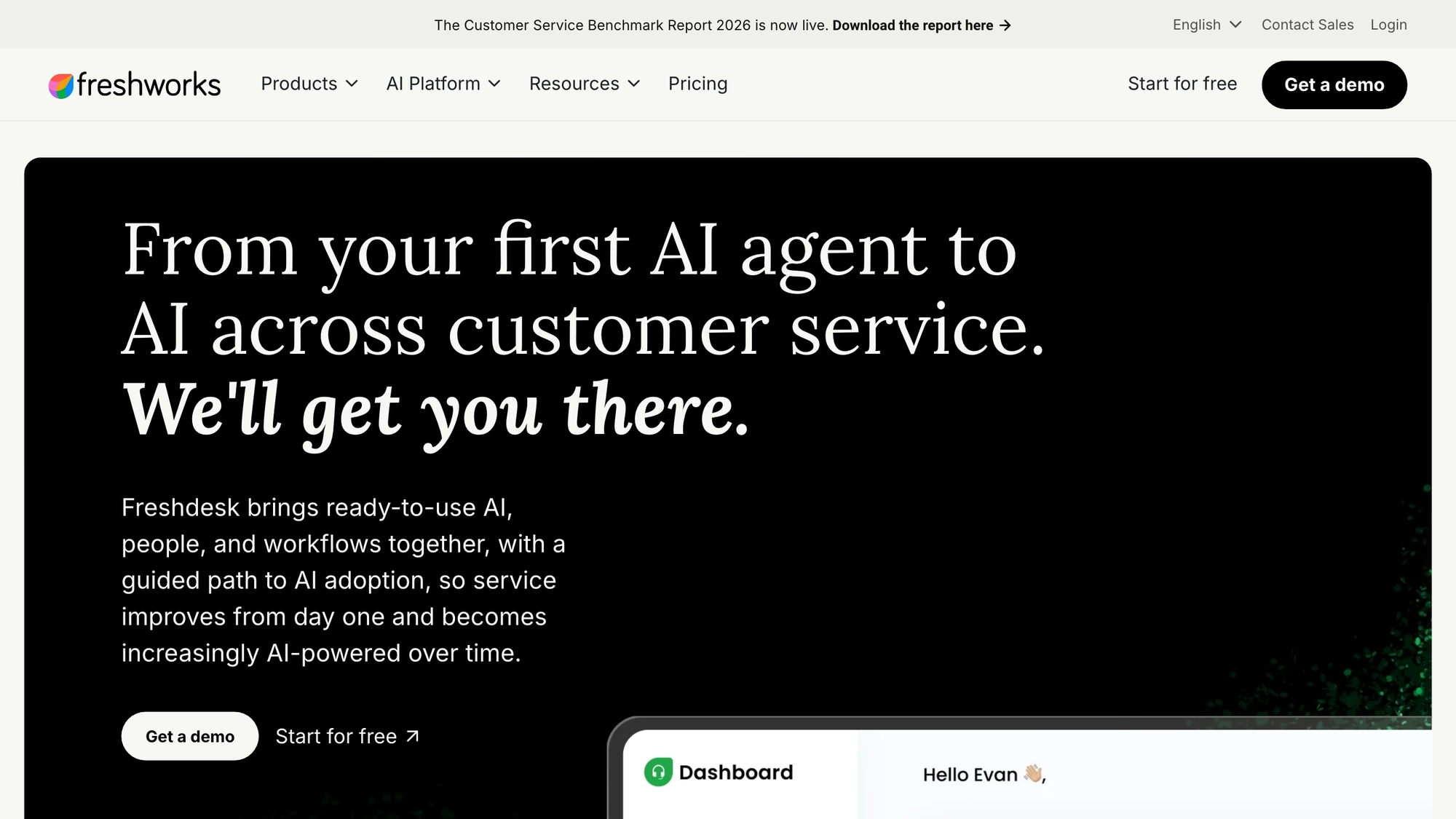
Freshdesk bills per agent per month, with the AI agent metered by session beyond an included allowance.
- Freshworks' own best-of page lists an article generator that drafts help articles from customer queries and ticket replies.
- Custom branding extends to the logo, colors and fonts, and the portal tracks article views, ratings and feedback.
- The pricing page lists the customer portal and knowledge base on the first of three plans and a multilingual helpdesk from Pro.
- The AI agent answers with cited responses drawn from the knowledge base.
The same best-of page lists limited analytics for knowledge base sessions and says the tool is meant for customer service rather than internal knowledge management. Custom domain, article limits and knowledge base author roles are not stated on the pages checked.
Best for: articles drafted from tickets and approved before publishing, without an internal wiki.
Intercom
Intercom's Help Center page promises 45 languages and a separately branded center per brand inside one workspace, with a no-code styler and targeting of articles by attributes such as location or pricing plan.
Behind it sits the Knowledge Hub, where internal and public articles and conversation snippets are written and sorted into folders with subfolders, with content synced from tools such as Zendesk or Confluence. Per the Knowledge Hub page, you choose which content the Fin AI agent and the Help Center may draw on, and which the Copilot assistant may use.
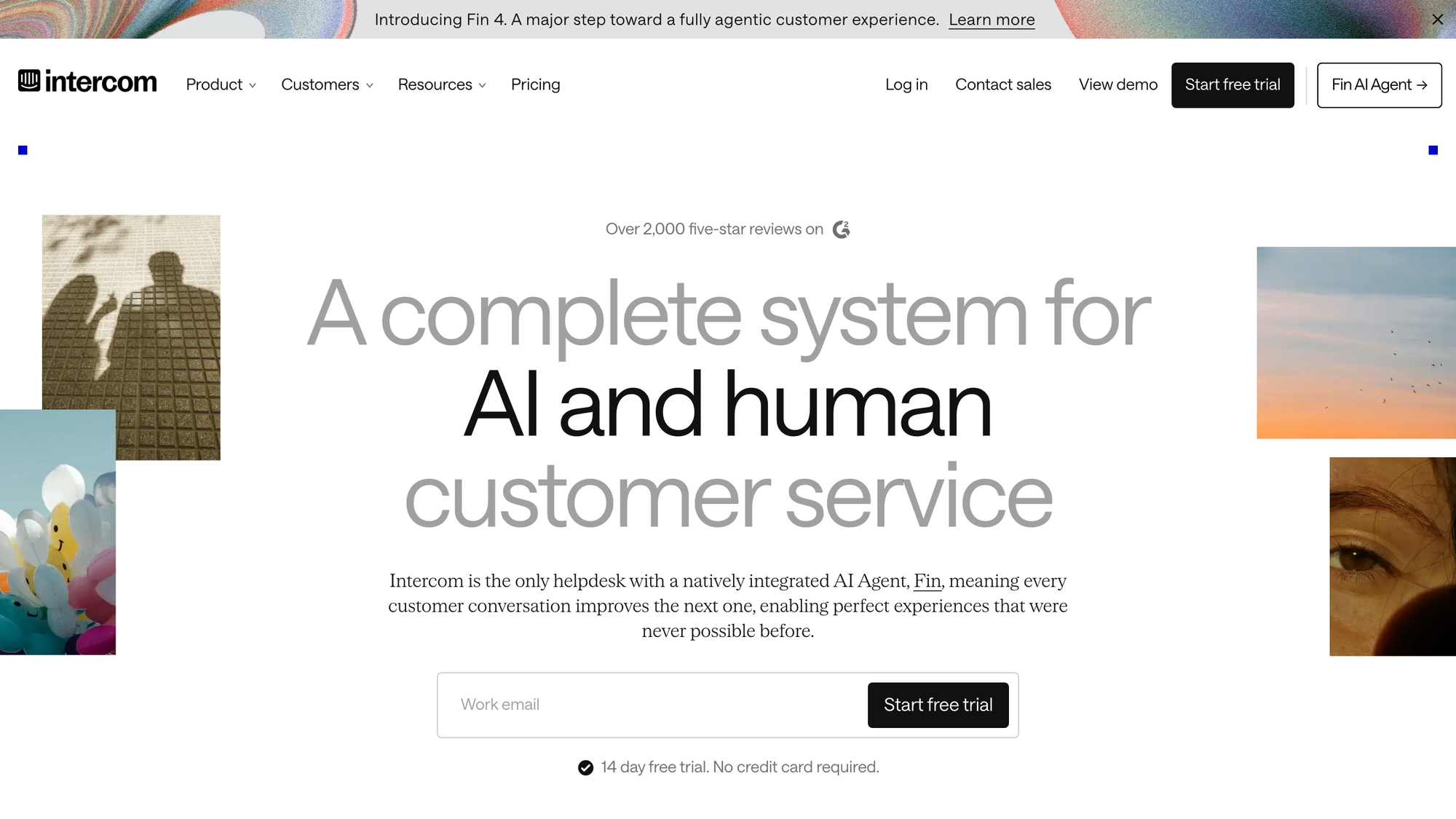
Seats are billed per teammate, and usage such as Fin outcomes is billed separately.
- A public Help Center is listed on Essential, whose tagline is customer support for individuals, startups and small businesses.
- A private and multilingual Help Center is listed on Advanced.
- A multibrand Help Center is listed on Expert.
- The pricing page does not say which plans include the Knowledge Hub.
Search reporting shows what customers looked for and did not find, and articles can be added to a conversation straight from the inbox. Neither the Help Center page nor the pricing page states a custom domain or an article cap.
Best for: customers already answered in Intercom, with one library for the AI agent and the public site.
HubSpot
Professional accounts can create one knowledge base with up to 2,000 articles, and Enterprise accounts up to 25 with up to 10,000 articles, according to HubSpot's documentation. HubSpot sells the knowledge base inside Service Hub, and a Service Hub seat is needed to create one.
Authors work with comments and approvals and with AI drafting, branding runs through HubSpot's CMS tools, and readers get search in their preferred language. The home page can use a tiles template that shows each category with an icon and a description.
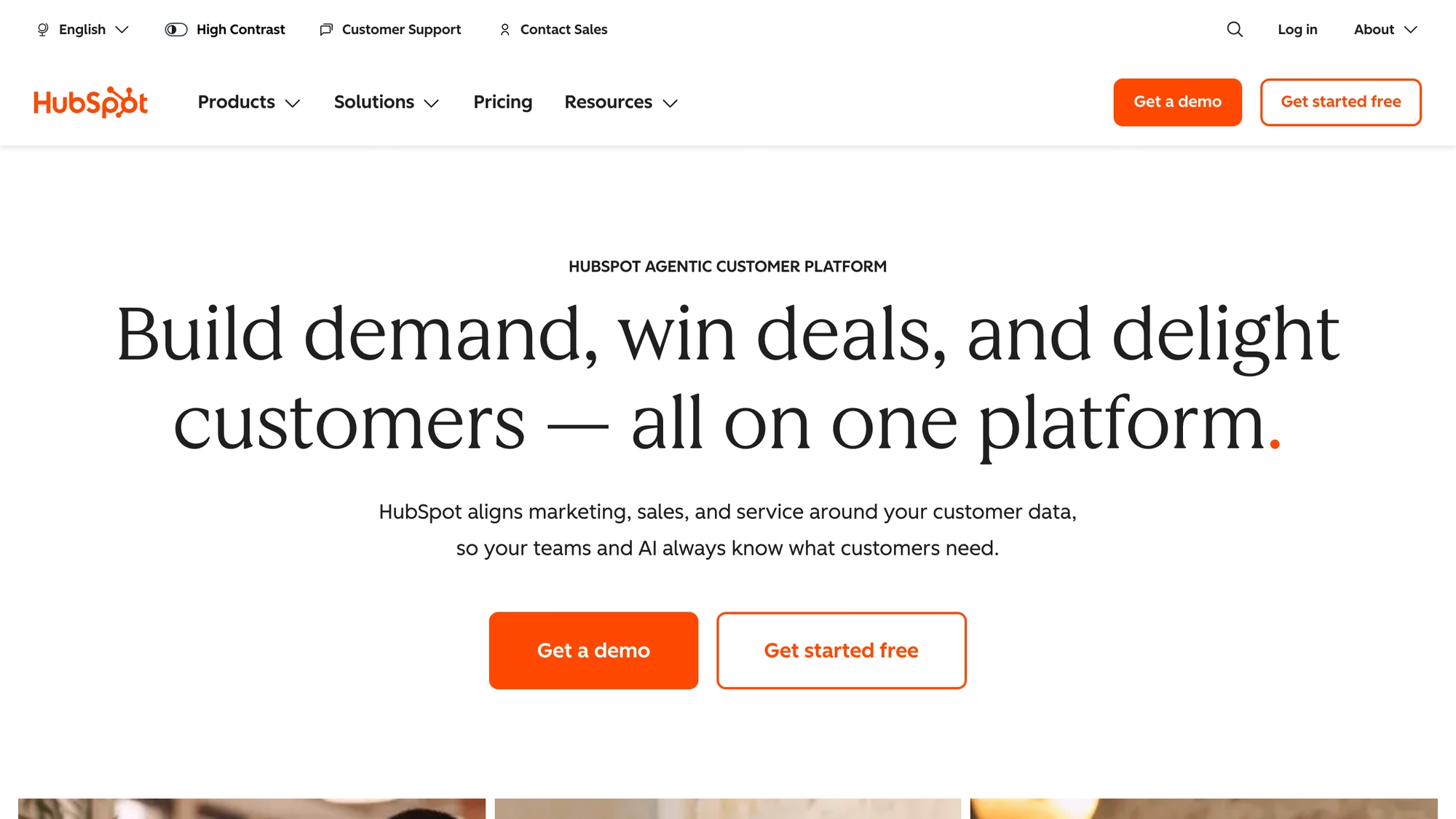
HubSpot bills per seat per month, and AI features consume HubSpot Credits.
- The CRM records which articles a customer has already seen.
- Reporting covers most-viewed articles, searches with no results, feedback ratings and resolution rates.
- The product page says the knowledge base is available from the Professional and Enterprise tiers.
- It places custom domain hosting and advanced analytics under Enterprise.
HubSpot's FAQ and its documentation describe Professional article limits differently, so confirm the current terms before you buy. Creating a knowledge base also needs Super Admin or the knowledge base settings permission.
Best for: companies that already keep customer records in HubSpot and want article views tied to the contact.
Zoho Desk
Zoho Desk's page lists AI drafting from earlier tickets through Zia, translation into more than 50 languages with a status per translation, a review step before publishing, and templates with version restore.
One knowledge base can feed a customer portal and an employee portal, each brand gets its own category with sub-categories for brand-specific topics, and the content can power AI chatbots or Zia Agents.
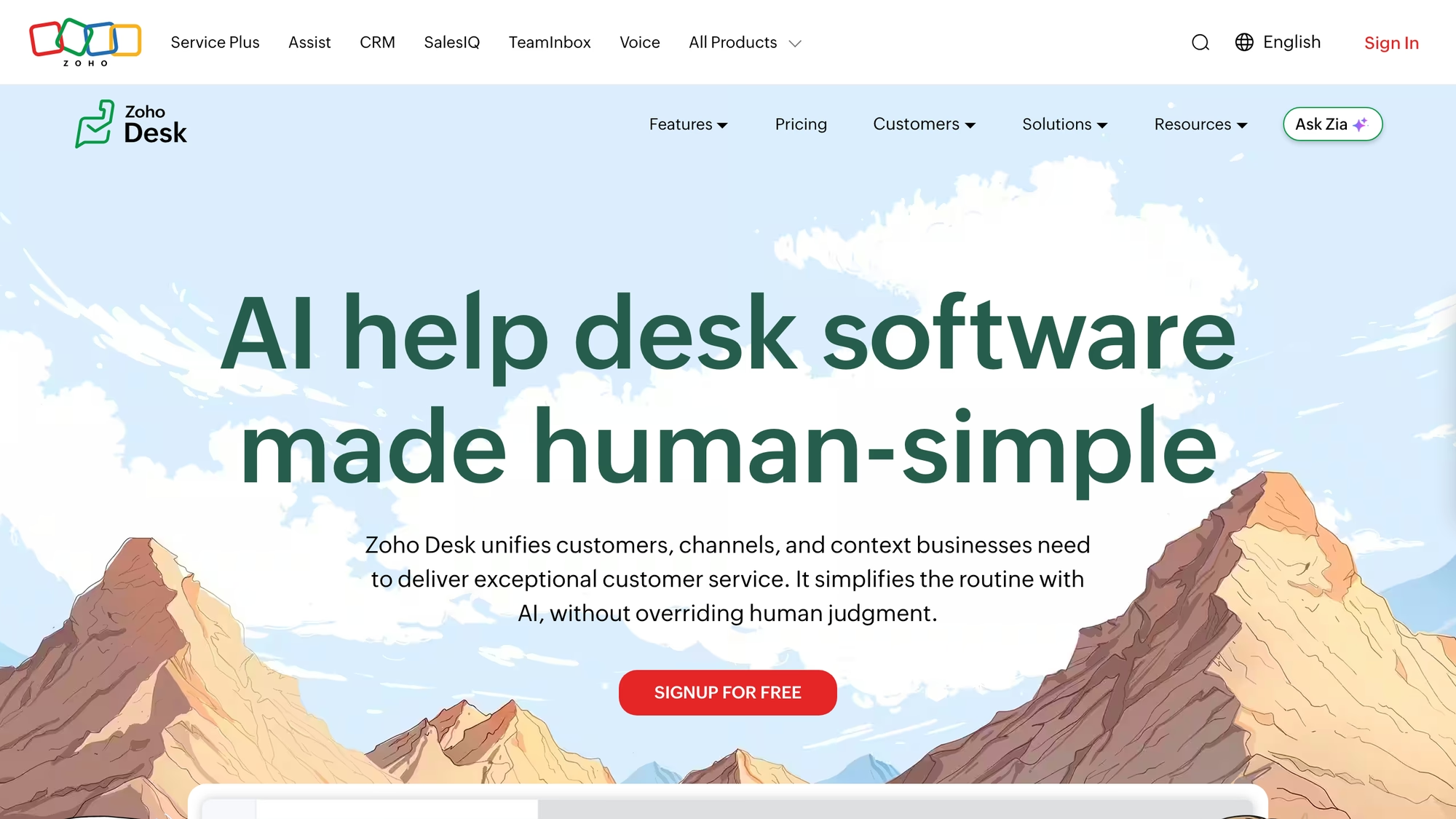
Billing is per user per month, billed annually.
- The help center can be customized through domain mapping plus HTML and CSS, and pages carry SEO titles and descriptions.
- It connects to Google Analytics, and customers can submit tickets from it.
- Agents see suggested articles inside a ticket, matched on keywords.
- Article analytics cover views, likes, dislikes and usage.
- The knowledge base is listed from the Standard edition up, a multilingual help center from Professional and a multi-brand one from Enterprise.
None of the four Zoho pages checked says which edition includes the ticket-to-article drafting, and the lowest paid block does not list the knowledge base at all.
Best for: per-brand help centers and a portal for your own employees under one help desk.
Document360
Document360's pricing is by quote. The page names team accounts, workspaces, languages, security needs, the privacy model and AI usage as the factors, and defines a project as one complete knowledge base. Reader accounts matter only for private projects.
Document360 describes itself as software for documentation, SOPs, user manuals and API docs for customers and internal teams: its pages show integrations that put the right article into the ticket view of Zendesk and Freshdesk, and none of the pages checked lists an inbox of its own. Access can be public, private or mixed, with one switch between internal and external documentation.
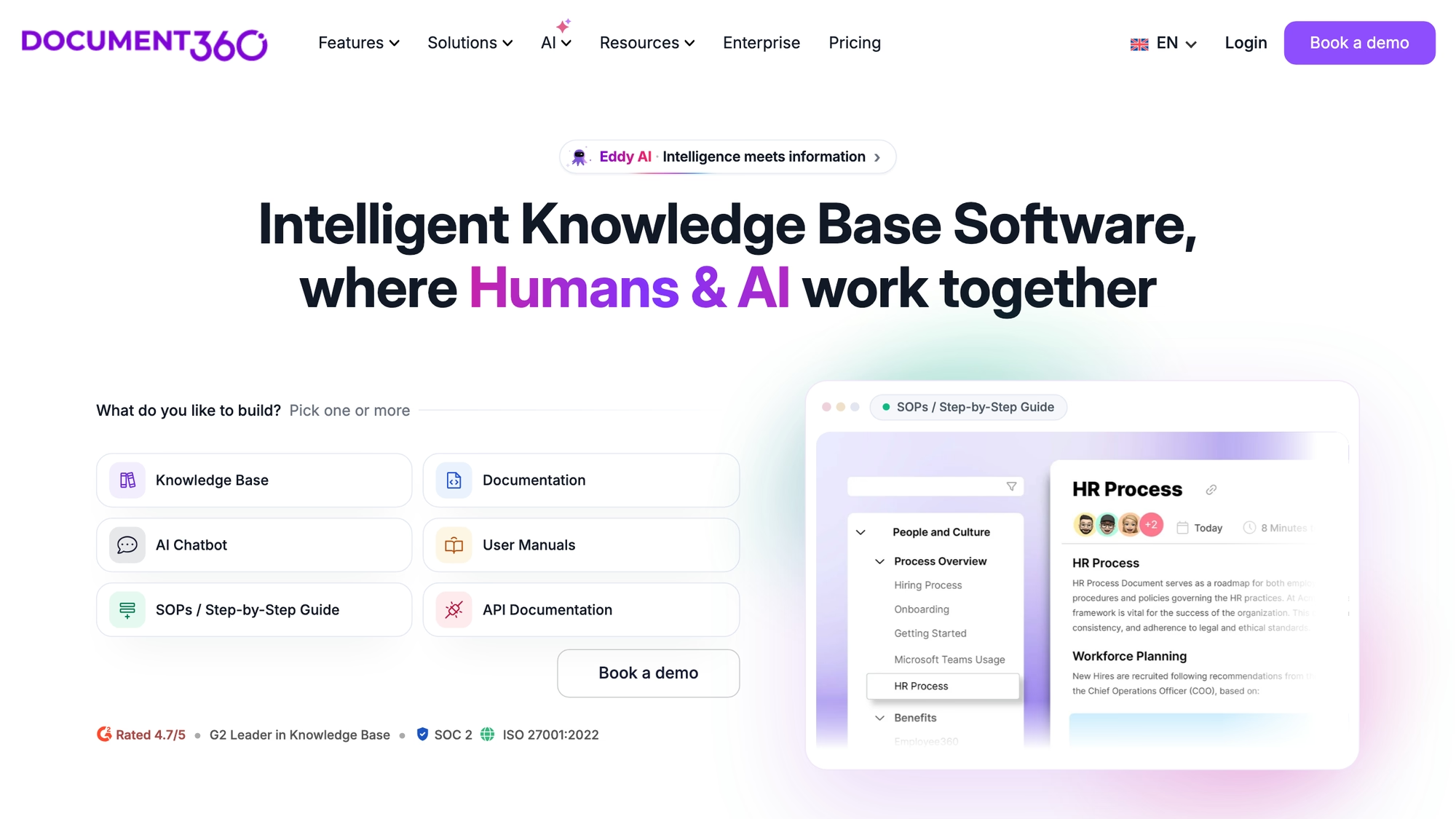
Standard migration is included in most quotes, and larger migrations are scoped separately.
- A workflow designer adds custom stages beyond Draft and Published, with roles mapped to them.
- Revision history and built-in localization come with the product.
- Import sources include Confluence and Zendesk, plus Word files, SharePoint pages and Google Docs.
- IP ranges can be restricted, and readers can leave likes, dislikes and comments on articles.
- Analytics list searches, failed searches, reads and likes or dislikes, and a ticket deflector shows matching articles as a request is raised.
Its Eddy AI answers with citations, builds documentation from video, audio or other uploads, and checks for overlapping articles. No plan sheet or article limits are published, and prices come by quote only.
Best for: documentation-heavy product content with approval stages and mixed public and private access, with a help desk wired in separately.
Helpjuice
Helpjuice sells knowledge base software, and it says you can link it to chat or ticketing, or search it from a Chrome extension. Each of its three knowledge base plans includes a set number of users, and the pricing page lists the number of users as one factor in the price, and the vendor offers to hand-build the design of your help site.
Content can be public or restricted by user or group. The features list names an article planner, which the home page calls kanban style, plus roles and permissions, an approval process, version comparison and a visual editor beside a code editor.
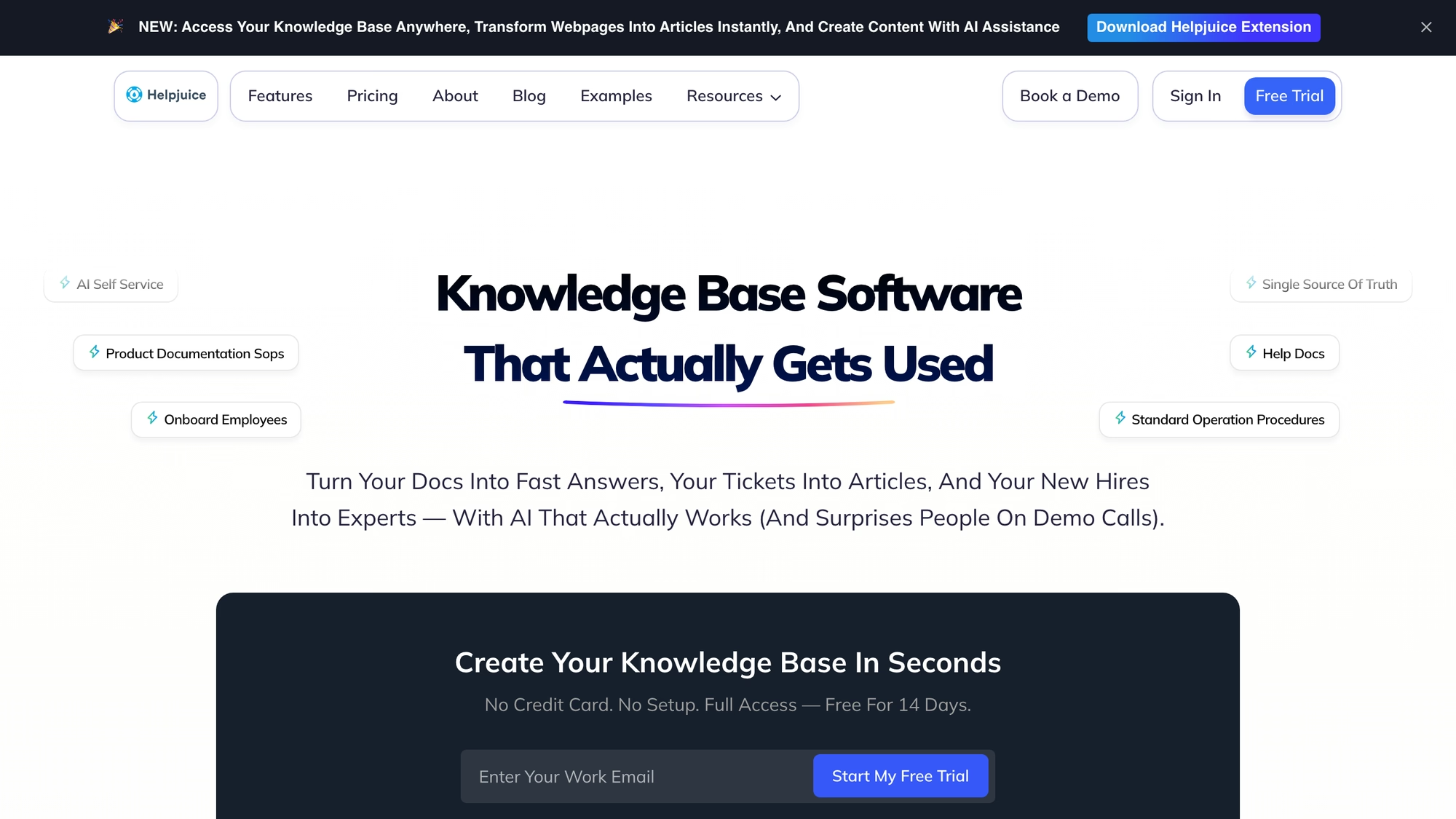
Helpjuice's entry plan lists 30 users and 12 GB of file storage, and the next ones list 100 users and unlimited users.
- The features page lists unlimited categories and articles.
- If onboarding does not auto-import your content, the vendor says it imports it manually within 24 hours.
- The home page says the base shows what users search for, and its AI features include a chatbot trained on your content.
- SSO appears only on the second and third plan cards.
Its AI suite, with a writer, a search and a chatbot, sits on the two higher plans, while a separate AI page calls the chatbot an add-on for any plan; the vendor's pages do not reconcile the two. Language counts differ too: the home page says more than 50, the features page 300 or more, and the pricing page 40 or more for translating a whole base in one click.
Best for: a dedicated help site with the design done for it, and ticketing kept in another tool.
ProProfs
ProProfs Knowledge Base covers customer help centers and internal wikis, and a site can be public or restricted with passwords. It bills external knowledge bases per author, meaning a team member who logs in to add or edit, and internal ones per user, meaning a member who logs in to view.
It also sells a bundle of the knowledge base with live chat, a help desk and survey tools, and states that every plan allows unlimited help sites per account, although its plan cards list different site counts.
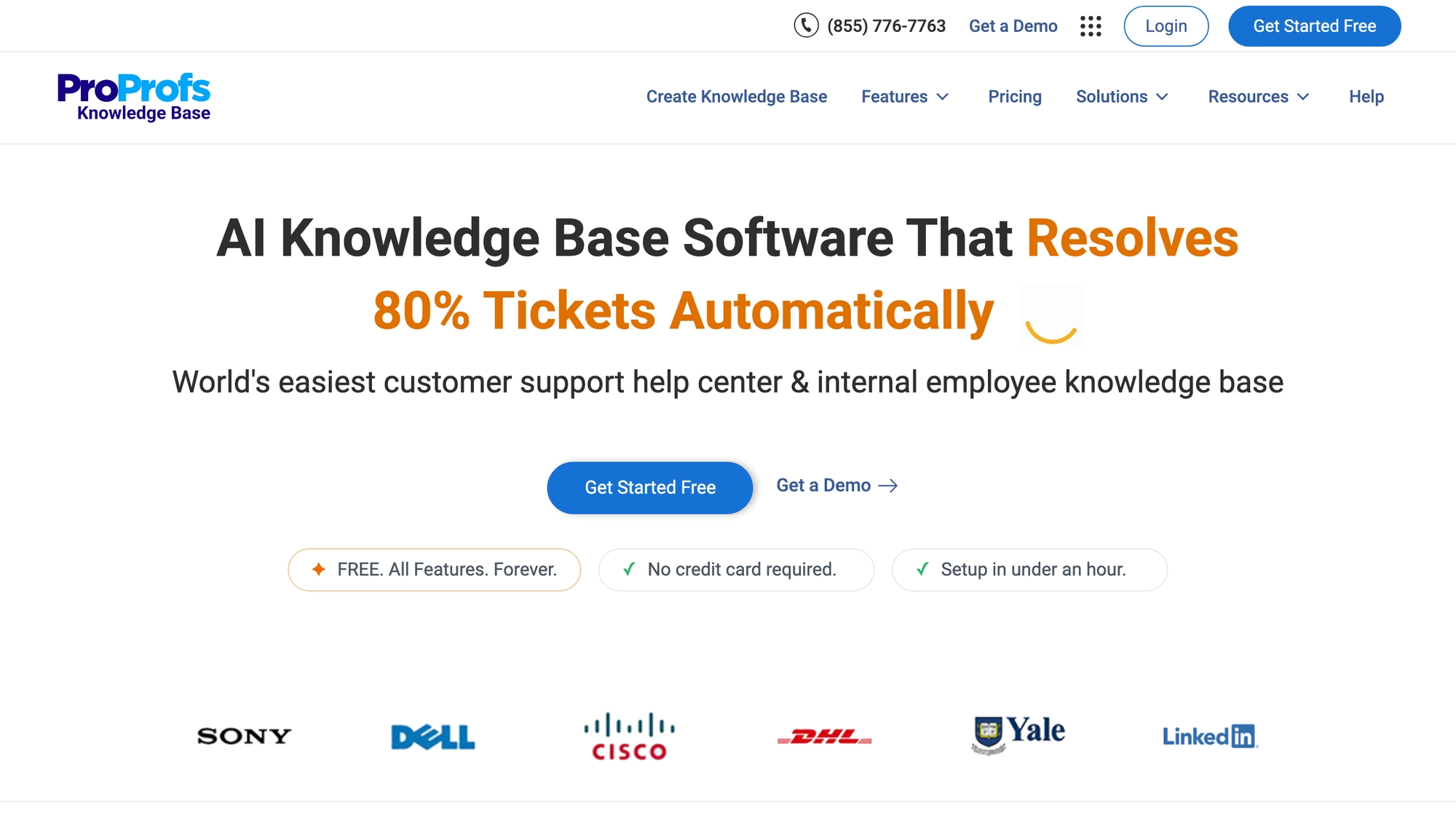
Public views are unlimited, the vendor says.
- Predefined roles are Admin, Editor, Contributor, Viewer and Group Admin, with custom roles on top.
- Its pricing copy describes a review workflow with Draft, In Progress, Ready for Review and Published statuses.
- It imports Word and PDF files, and a help site can be cloned to multi-brand it.
- Reports track article performance, search trends, failed searches and author activity, and Google Analytics can be switched on.
- Its search uses a proprietary AI model trained on your content, and a ticket form can suggest articles before a ticket is sent.
Read ProProfs' pricing page twice before you decide. Its visible text and its collapsed plan cards describe what is included in different ways, a custom URL and domain without the vendor's mark is listed separately, and running public and private knowledge bases together means contacting sales. Language figures differ by page: 90 or more on the authoring page, 60 or more on the pricing page.
Best for: one tool for a public help center and an internal wiki, with roles by group.
HelpDocs
HelpDocs says that a team needing ticketing as well as publishing should probably buy a suite and that it is not one. What it offers is one knowledge base read by customers, the team and AI. It charges for editors who log in, and viewers are unlimited.
Files can be imported in formats from Word and PDF to Markdown and HTML, versions can be compared, and reusable variables hold product names in one place.
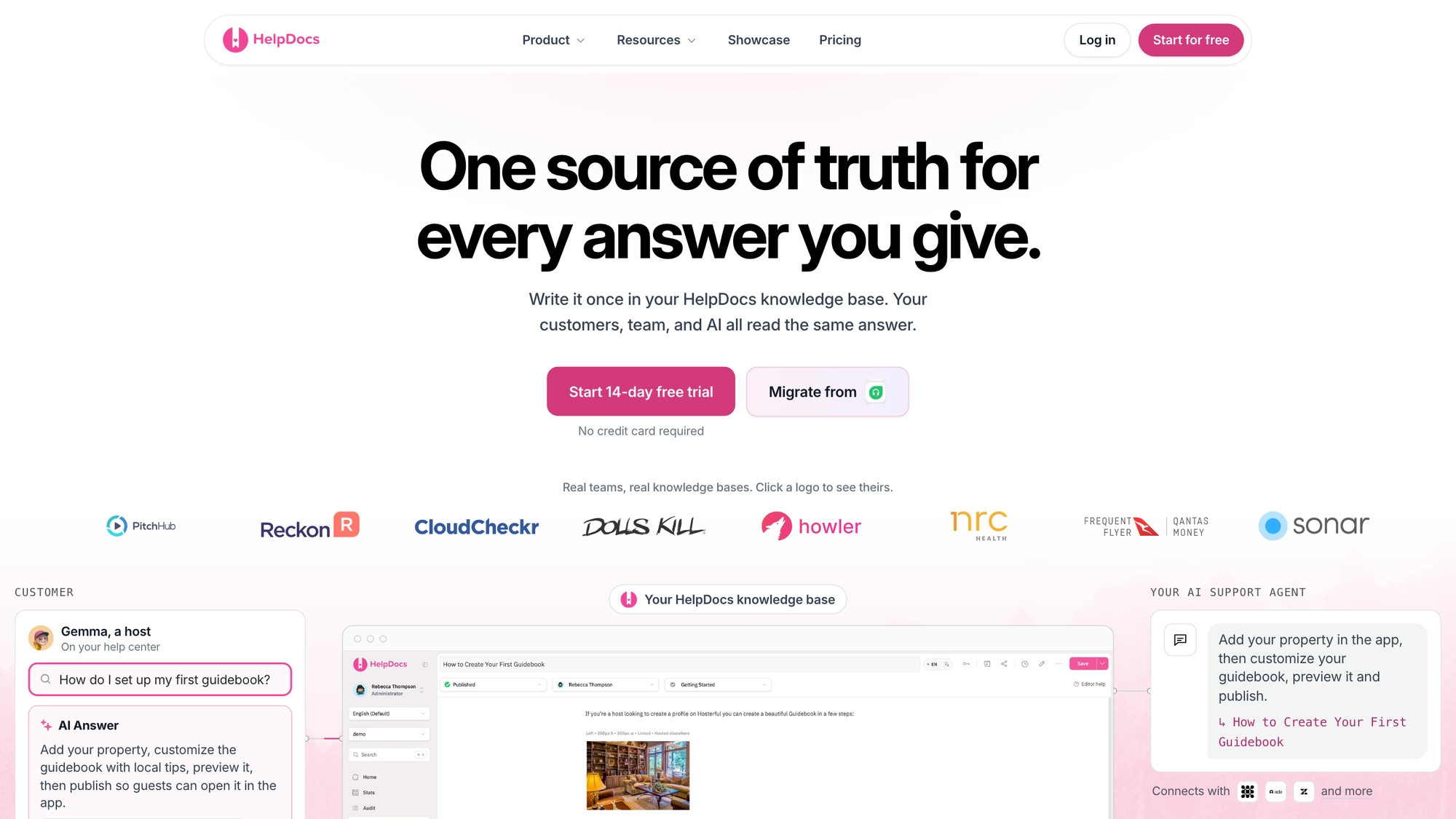
HelpDocs lists plans named Sprout, Bloom, Harvest and Enterprise, and the entry plan lists 5 editors and 1,000 AI credits a month.
- Untouched articles are flagged in the stats, and reorganized sections keep old links working through redirects.
- Permissions work on groups of readers and editors, down to single categories, with SSO through JWT; advanced permissioning is listed from the second plan.
- Searches with no results are reported as content gaps.
- Translation covers more than 100 languages, though the pricing page caps languages by plan, from three on one plan to unlimited on another.
- For outside AI tools there is an MCP connection, plus Markdown versions of articles and an llms.txt file.
AI drafting is metered as monthly credits, historical analytics run between 90 and 365 days depending on the plan, and editors beyond the plan allowance are billed separately.
Best for: a small documentation team that wants its library readable by AI tools and keeps support software separate.
Suite or standalone tool: which should you choose?
The deciding questions are where agents answer customers today, who writes and approves articles, and how the vendor counts usage. For the best knowledge base software for support teams, the first question narrows the list fastest: a suite keeps articles inside the reply view and feeds its AI agent, while a standalone tool suits a library that serves staff and partners as well as customers.
- List who writes, who approves and who only reads, because several vendors here bill per author, per editor or per agent and let readers in for nothing.
- Check the language list against your markets: Intercom's Help Center page says 45, HelpDocs says more than 100, and Helpjuice's pages give 50, 300 and 40 for different things.
- Decide whether articles must feed an AI agent, then find out which tier carries it and what the AI meter is: a session, an outcome, a credit or your own provider's bill.
- Ask what leaves with you: the import formats that come in, and the export formats that go out.
Software teams publishing public documentation should read HelpDocs, which lists SaaS first among its audiences, and Document360, which names software and API documentation, alongside the suites. Internal runbooks are a different job: the standalone tools above state internal use, and Freshworks says its own tool is not suited to it.
For an AI-heavy setup, the question is what the AI reads and who approves it. In RolChat a manager confirms each answer before it enters the bot's context, on a key you pay for directly, and the AI page lists the providers.
Billing units compared
The billing unit decides the cost curve long before the plan name does. Zendesk and Freshdesk bill per agent; Help Scout and Zoho Desk per user; Intercom and HubSpot per seat; ProProfs per author; HelpDocs per editor; Helpjuice by users included per plan; Document360 by quote. Where the AI is metered separately, the unit is a resolution, an outcome, a session or a credit.
RolChat prices per company, and its arithmetic is simple enough to show. Standard covers ten agents for $49 a month, and each extra agent is $5 on Standard and above. A team of twelve pays $49 + 2 x $5 = $59 a month, or about $590 a year on annual billing: $490 for the plan plus $100 for two extra agents at ten months each, because annual billing gives two months free on add-ons too. The pricing page lists every plan and add-on.
- Which tier holds the multilingual and multibrand help center, and how many sites does the plan allow?
- Is the AI agent charged per answer, per session, per credit or on your own provider key?
- What counts as a billable person, and are readers free?
- Which import formats come in, and what can you export if you leave?
Moving from another tool is covered by RolChat's migration offer, which names contacts, team settings and the widget.
What should you test in a knowledge base demo?
Open the vendor's own help center and search for something that is not in it. A good tool shows a useful empty state and records the failed search, which is the cheapest source of the next articles to write. Then open an article as a customer and as an agent, change one sentence, and watch how many steps it takes to publish and who has to approve.
Reporting differs across the tools above. Intercom and Document360 state that they report failed or empty searches; so do HelpDocs and Help Scout; so do ProProfs and HubSpot, which adds most-viewed articles and resolution rates. RolChat counts a visitor's helpful vote as a deflection. Compare the dashboards, since the checklists look alike.
Compare
The table uses only what each vendor publishes, with the billing unit in the vendor's own terms and no amounts. Plans and gates were checked on 31 October 2026.
| Platform | Shape | Own inbox or help desk | Billing unit as published | Where the help center starts |
|---|---|---|---|---|
| RolChat | Support suite with a help center | Yes | Per company, not per agent | One portal on every plan |
| Zendesk | Help desk suite | Yes | Per agent, AI per automated resolution | AI knowledge base listed from Suite Team |
| Help Scout | Shared inbox plus Docs | Yes | Per user, AI per resolution | At least one Docs site on every plan |
| Freshdesk | Help desk | Yes | Per agent | Portal and knowledge base on the first plan |
| Intercom | Helpdesk with AI agent | Yes | Per seat plus usage | Public Help Center on the lowest tier |
| HubSpot | CRM suite, Service Hub | Yes | Per seat, AI in credits | Professional and Enterprise tiers |
| Zoho Desk | Help desk | Yes | Per user | Standard edition and up |
| Document360 | Standalone knowledge base | No, integrates third-party help desks | By quote | Not published |
| Helpjuice | Standalone knowledge base | No; links to chat and ticketing | Plans that include a set number of users | All three plans |
| ProProfs | Knowledge base, optional suite | Optional bundle with chat and help desk | Per author or per user | All plans |
| HelpDocs | Standalone knowledge base | No, says a suite is probably the right call for ticketing | Per editor, readers unlimited | All plans |
FAQ
What is the best knowledge base software in 2026?
Pick a suite when articles should appear in the agent's reply view, and a standalone tool when staff and partners need the same library as customers. Zendesk and Intercom tie articles to their own AI agents, RolChat adds a help center to every plan at one company price, and Document360 and HelpDocs concentrate on authoring and permissions.
What is the best knowledge base software for small business?
Watch what each tool counts as a billable person. RolChat charges per company, Helpjuice's plans include a set number of users, and HelpDocs bills only its editors, so readers cost nothing. A small team that adds a hire every few months feels that unit more than any plan name.
What is the best free knowledge base software?
RolChat has no free-forever plan. The trial lasts 30 days, and a limited Founding 300 offer, described on its own page, gives the first 300 companies the Lite plan free for 12 months. Other vendors change their free options and trials often, so check each one on its own site.
What is the best internal knowledge base software for employees?
Look for restricted access. Document360 can mix public sections with login-only ones, ProProfs and Helpjuice restrict by user or group, HelpDocs has permission groups down to a category, and Help Scout and RolChat keep team-only articles beside public ones. Freshworks says its own tool is meant for customer service.
How is a knowledge base different from a wiki or an FAQ?
A knowledge base answers recurring questions for customers and agents, a wiki is a place for staff to write together, and an FAQ is one page of questions.
What is the best AI knowledge base software?
The answer depends on where the AI runs and who pays for it. Freshdesk and Help Scout tie articles to their own AI agents, Document360 and ProProfs ship AI search and drafting, and HelpDocs publishes Markdown and an llms.txt file for outside tools. In RolChat the model bill goes to your own provider.
Which tools help reduce support tickets with a knowledge base?
Those that show an article before a ticket exists. Freshdesk offers suggestions before a customer submits a ticket, ProProfs puts them in the ticket form, Document360 has a ticket deflector, and RolChat shows matching articles in the chat widget. Failed-search reports point to the next articles worth writing.
How do knowledge base software prices compare?
On the billing unit more than on plan names, and the units are listed in the table above. RolChat Lite is $19 a month and Standard $49 a month for the whole company, as its pricing page said on 31 October 2026. Other vendors publish their own prices on their own sites.

Writes about customer support operations, live chat, AI-assisted service and the tooling behind great customer experience.
LinkedIn