ChatGPT
 Perplexity
 Grok
 Claude
The best Zapier alternatives depend on where a workflow starts. A workflow that connects one app to another is served by a connector platform such as Make, n8n, Activepieces or Pabbly Connect, a Microsoft 365 shop will look at Power Automate, and a team whose workflows start from a customer conversation, a ticket or a contact can run them inside RolChat. These are the alternatives to Zapier compared below, and each section keeps to what the vendor's own pages say on 16 November 2026.
Six platforms are described, RolChat first because it publishes this page, and between them they count tasks, credits, workflow executions, users, bots and rules. The order after RolChat is not a ranking. What separates these tools is the unit a plan counts and the condition that changes it, so each section names both. Competitor prices are left out on purpose.
Descriptions are general and drawn from what each vendor publishes. This is not a benchmark or an audit, and no competitor pricing appears below. Confirm current plans and features on each vendor's own site. Product names and logos belong to their owners, and the screenshots show each vendor's public pages as they looked on 16 November 2026. RolChat publishes this page and is one of the six platforms compared.
Our Top Picks
Three picks for three situations: automation that lives in the customer workspace, a platform that counts finished runs and can be self-hosted, and a visual builder with 3,500+ apps. The sections below hold the detail and the limits of each.
Rules fire on conversations, tickets and contacts, can send a signed webhook, and sit in a workspace priced per company.
Its pricing page counts workflow executions with unlimited steps, and the source code and a self-hosted edition are on GitHub.
Its home page offers a visual builder, 3,500+ apps, and JavaScript or Python where a step needs code.
RolChat publishes this page and is listed first on purpose, so read its claims against its own pricing page. The other five platforms are described from their vendors' own pages, checked on 16 November 2026, and where a vendor does not publish a limit or a plan sheet, the section says so. No competitor prices are shown.
Why teams look for Zapier alternatives
Zapier's home page describes a Zap as "an automated workflow that completes work across your apps without someone prompting it each time", and its menus count 9,000+ apps. Customer support is one of its listed use cases, with the line "Quickly route tickets and responses". The catalogue is the product, and it is also why a support team starts comparing Zapier competitors, because most of the work a support team automates never leaves the inbox.
A Zapier alternative is a platform that runs automated workflows without Zapier, either as another connector between apps or as automation built into the tool where the work already happens. Which kind you need depends on whether a workflow crosses apps or starts and ends in one.
Two reasons recur. One is the meter: Zapier's pricing page asks "How many tasks do you need?" and prices by task tier, so a busy support queue that fires several steps per message grows the bill with volume. The other is the shape of the work. A rule that tags a conversation, assigns it by language and opens a ticket does not need to cross an app boundary at all, and a rules engine inside the workspace covers that case.
How Zapier pricing works
Zapier pricing is a ladder of four plans, Free, Professional, Team and Enterprise, with a task selector above it. The table lists what the page meters, in Zapier's own words and with no amounts, as checked on 16 November 2026.
| Meter | How Zapier words it |
|---|---|
| Tasks | A selector asks how many tasks you need per month |
| Zap length | The entry plan lists two-step Zaps, and Professional lists multi-step Zaps |
| Webhooks | Listed from Professional |
| Users | 1 seat on the two lower plans, 25 users on Team, unlimited on Enterprise |
| Task limits | Annual task limits are listed on Enterprise |
For Zapier pricing plans and their limits alike, the rule is that tasks count and plan tier decides what a Zap may contain. A two-step Zap on the entry plan stops there, so a flow that looks up a contact, posts to a channel and updates a record needs the paid tier, and webhooks are on the same side of that line. The amounts are on Zapier's own page.
RolChat
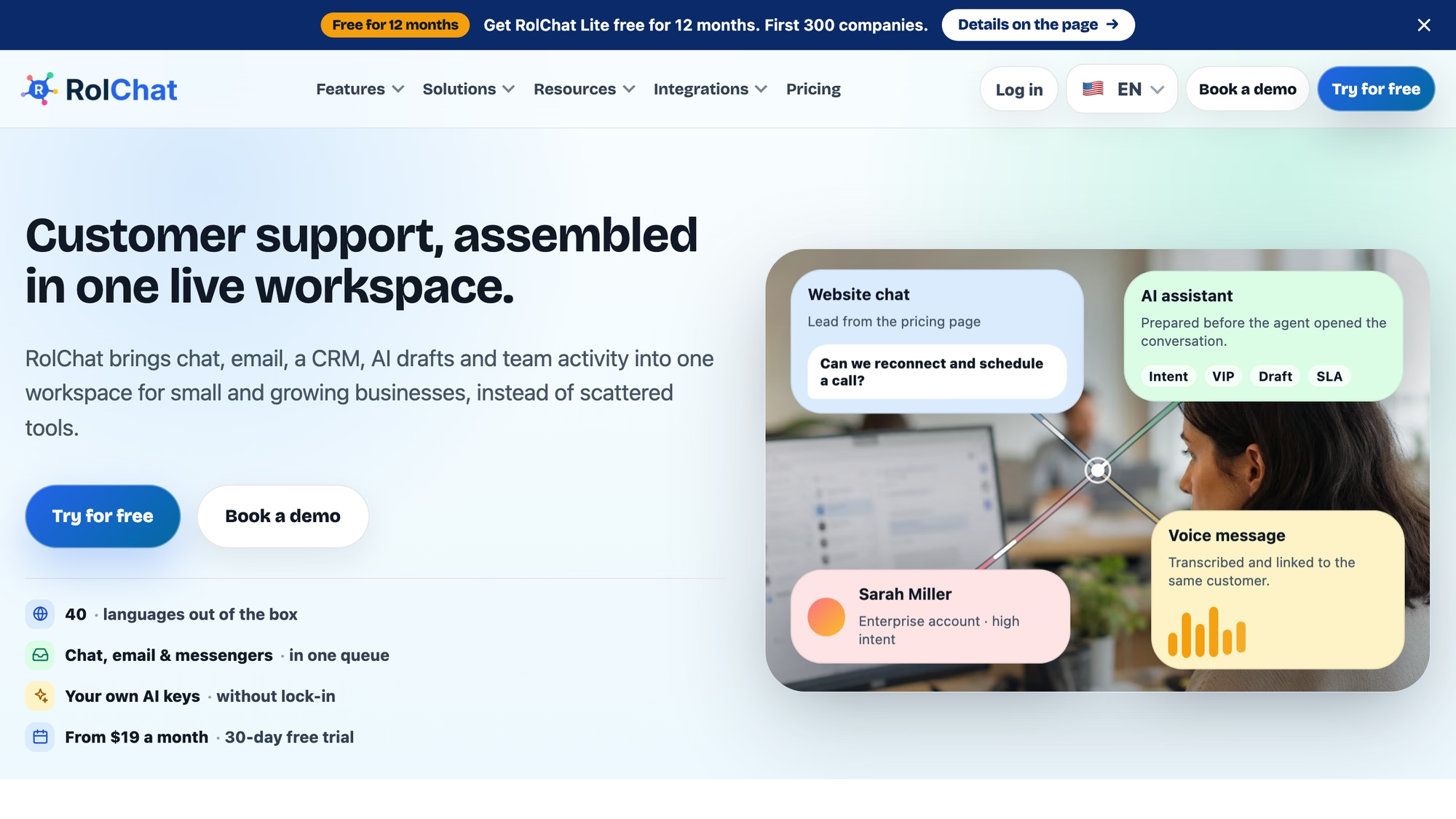
RolChat is not a connector platform. Its automation runs on the events inside the workspace, and the documentation states the model plainly: an event happens, conditions are checked, actions run immediately, and the engine is deterministic with no machine learning inside it. Owners and Admins create rules, and Managers can view, enable and disable them and run dry runs.
Events cover a conversation being created, assigned, reopened, resolved or receiving a message, a ticket being created or updated, a contact being created, a form submitted, a booking created, and a number of hours passing without a reply. Conditions are built from groups joined by AND or by OR, over channel, status, priority, inbox, assignee, team, tags, subject and message text, plus the contact's email, tags, language, country and custom fields.
Actions assign an agent or a team, set status or priority, add or remove a tag, snooze, resolve, send a message from a template, add an internal note, send an email or create a ticket. One action sends a webhook, as a POST or a GET, so a rule can hand an event to a connector platform when the next step lives in another app. Webhook deliveries are signed with HMAC-SHA256, the keyed-hash method specified in RFC 2104, and the receiving side is told to check the signature and the timestamp.
- Run test evaluates a rule against a sample or a recent real event and lists what would happen without doing it.
- Every execution is logged with the event, the rule and the outcome and timing of each action, and the analytics tab shows runs per day and failures.
- Actions performed by rules never trigger other rules, and a rule applies only to events after it is enabled.
- AI actions, such as suggesting a reply, classifying or summarising, appear only when an AI adapter is connected.
- Ready-made templates cover cases such as routing billing questions and escalating angry customers.
Automation is limited by plan: 5 rules on Lite and 10 on Standard, with unlimited rules listed under Premium, which is coming soon. Lite is $19 a month per company with 3 agents and Standard is $49 with 10 agents, and the pricing table names no per-run meter. There is no free-forever plan: the trial lasts 30 days, and a limited Founding 300 offer, described on its own page, gives the first 300 companies Lite free for 12 months.
Know the limits before you move a Zap across. RolChat has no catalogue of third-party app triggers, so a flow that starts in a spreadsheet or a payment tool cannot start a rule on its own. The documentation lists a Zapier webhooks plugin, maintained by the community, that passes RolChat events to a Zap, and acting back on RolChat from a Zap uses the API with a key. Telephony is coming soon, so no call-based rule is described here.
Best for: a support team of up to ten whose workflows start from a conversation or a ticket, and which will keep a connector platform only for the steps that cross apps.
Make
Make's home page headline is about AI agents and automations "in one visual landscape", and the text under it says a scenario can be built from a prompt, by dragging blocks, or from an AI chat such as Claude or ChatGPT. It says Make connects to 3,500+ apps out of the box and that anything with an API can be added as a custom integration, with JavaScript or Python available where a step needs code. Its FAQ ties the plans to two things, credits and active scenarios, which are what Make counts. Make's pricing page could not be read on 16 November 2026 because it answered with a security check, so this page reports no plan limits for Make, and the plans are on Make's own site.
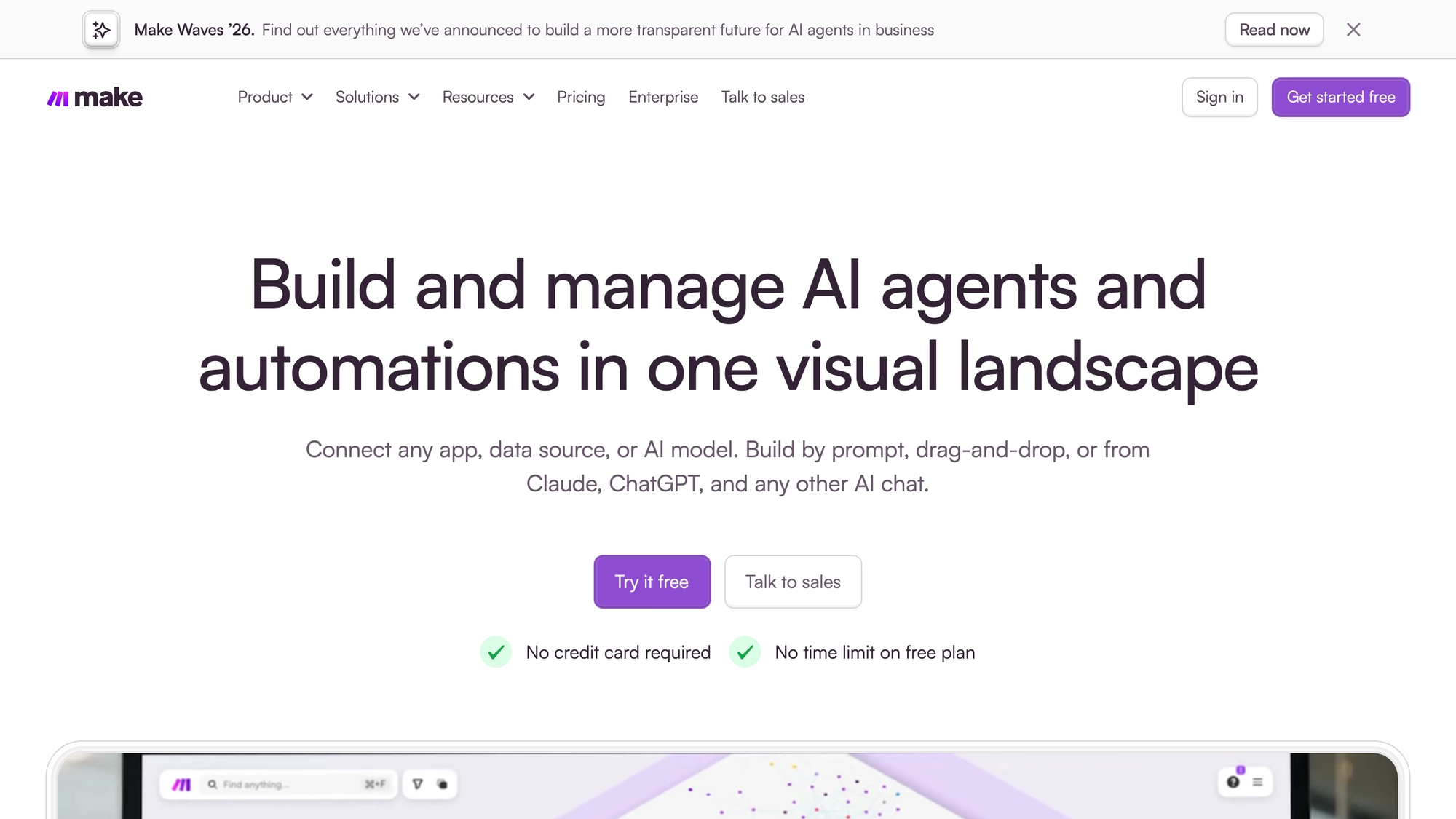
Make's page lists GDPR compliance, SOC 2 Type II and SOC 3, role-based access, audit logs and real-time analytics, and says enterprise plans add further controls.
Best for: a team that wants to draw its scenarios visually and check the plan limits on Make's own pricing page before it commits.
n8n
n8n describes itself as "the platform for agents and workflows you can follow", where every step can be opened and read by whoever runs the workflow. The home page lists 500+ native integrations, any API through HTTP and any agent or coding assistant through MCP, plus human-in-the-loop approvals, and it gives two ways to run: deploy on-prem or with Docker and keep your data in your own environment, or use the hosted version.
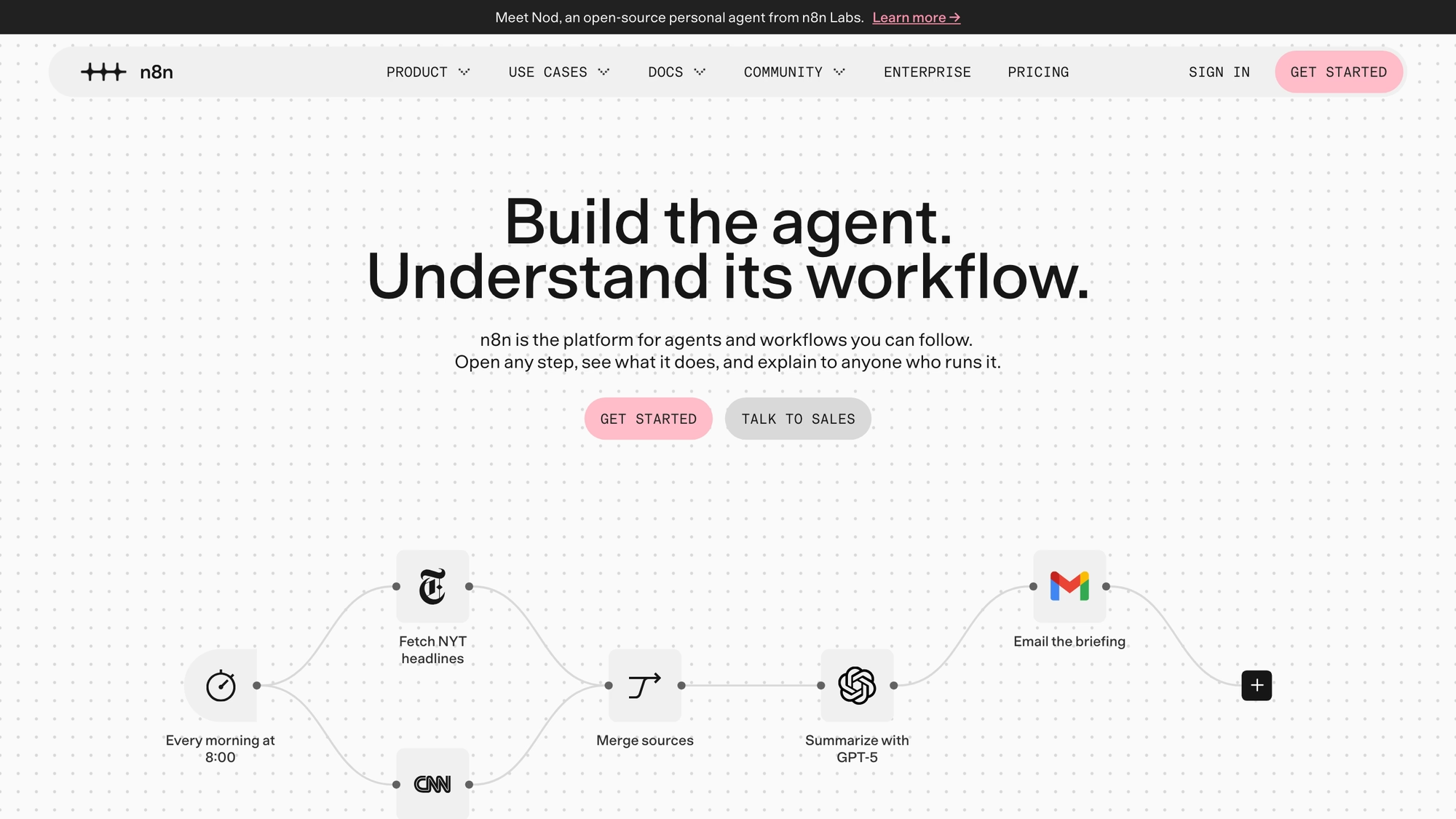
Pricing is the interesting part. The page says that, unlike tools that charge per step or user, n8n lets you build freely and only pay when a workflow runs from start to finish. Pro lists 10K workflow executions with unlimited steps, and Business lists 40K, so the meter is the execution, and the number of steps inside a workflow does not change it.
- Plans are named Starter, Pro, Business and Enterprise, and Business is listed as self-hosted only.
- A Community Edition, a standard self-hosted version, is available on GitHub.
- Code steps in JavaScript or Python and custom API requests are listed on every tier.
- Business is described as for companies with fewer than 100 employees needing collaboration and scale.
On its home page n8n shows a refund-request flow, where the workflow looks up the order and asks in Slack whether to refund it or open a ticket, and the page links customer stories on alert triage and lead qualification, so support work is a use case it names. Self-hosting trades the meter for the work of running it, and that work is yours.
Best for: a technical team that wants to host its own automation and be billed per finished run.
Activepieces
Activepieces opens with "AI Agents with enterprise control" and describes one workspace of chat, agents, flows, tables and 770+ apps. It names flow controls such as branching, retries, waitpoints, subflows, error handling and human approvals, and TypeScript inline where a flow needs it. Support appears as an example agent that "answers the questions you get every day and escalates anything that needs a human".
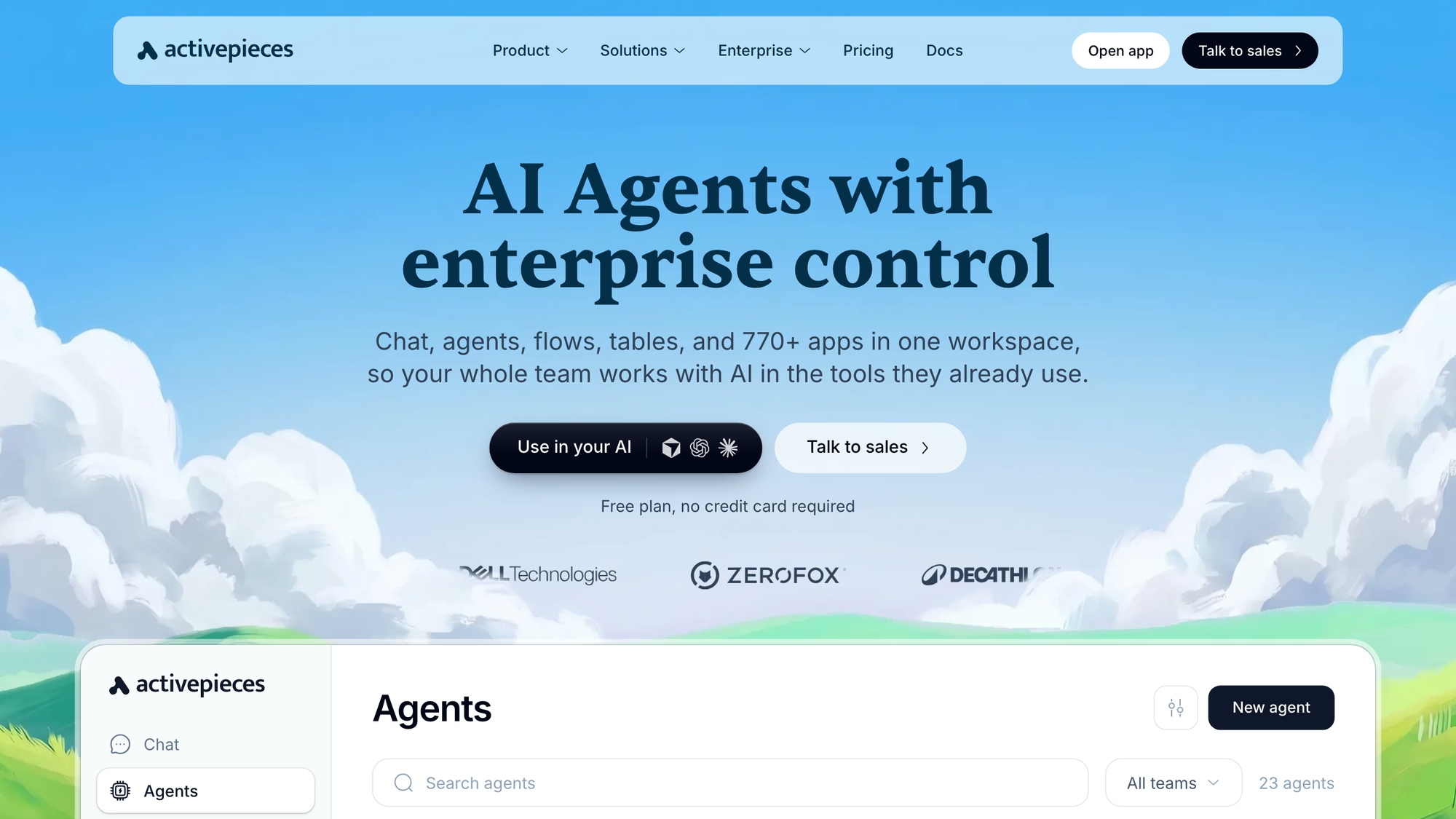
Its pricing page works on a flat monthly plan fee plus credits: Free, Plus, Team and Ultimate. The condition that changes the rule is the overage. On the entry plan the credits reset daily and going over waits for tomorrow, while Plus and Team name a per-credit rate after the allowance runs out.
- Flows are unlimited on every plan, and users are capped at 5 on Free and Plus and 25 on Team.
- Bring your own AI keys is listed from Plus.
- Projects are unlimited from Team, and releases with Git Sync arrive on Ultimate.
- Hosting is cloud or on-prem on every plan, and the home page adds an air-gapped option.
An Embed offer for putting the builder inside your own product is priced separately and is outside what this page covers.
Best for: a team that wants flat monthly plans with a user cap and the choice to run on its own servers.
Pabbly Connect
Pabbly Connect competes on its definition of a task. Its page says that triggers and internal steps are considered free tasks and that only action steps consume the task count, so the monthly allowance goes further than on tools that count every step. It lists triggers and actions for 2,000+ apps, an Instant Webhook feature, and an MCP workflow builder for describing a workflow to an AI assistant that then builds it.
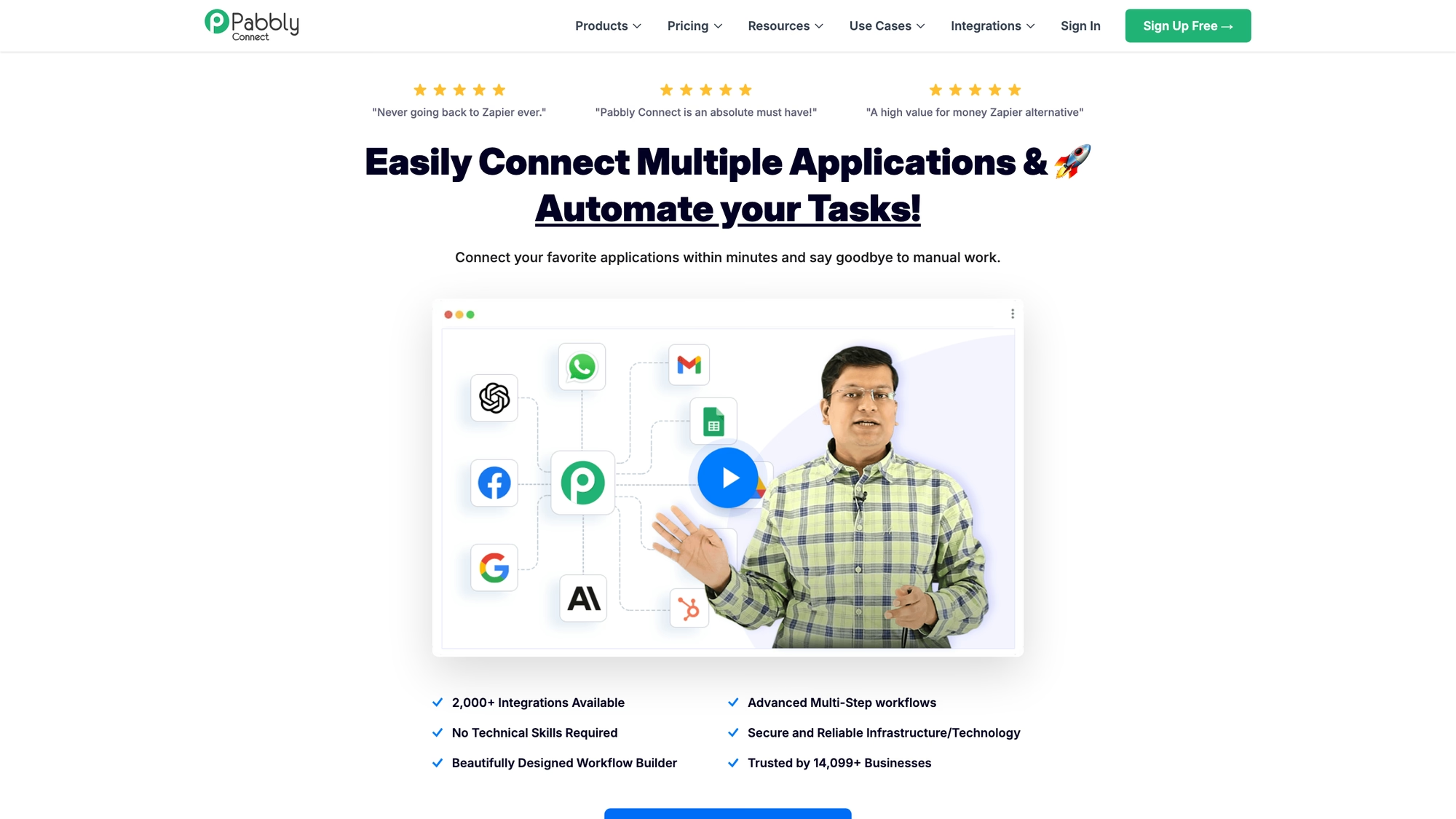
Its menu lists Yearly Plans and One-Time Plans, and a bundle called Pabbly Plus gives access to all Pabbly applications at a single price. The pricing section of the page counts tasks per month: a Standard tier with 10,000 tasks, an Unlimited tier with no task limit, and one-time purchases with 3,000, 10,000 and 20,000 tasks a month. The page shows amounts in a currency picked by location and sets them beside the prices of other vendors. That comparison is Pabbly's own claim and is neither repeated nor checked here, so read the figures on Pabbly's own site. The page also says no integration is restricted by what you buy, so the premium apps are open to every buyer, and it lists a JavaScript and Python module, auto re-execution of failed steps and human-in-the-loop approvals among the features, which matters for a support flow that must not drop a message silently.
Messaging is named directly: the use-case menu lists WhatsApp automation and CRM and sales automation next to lead generation.
Best for: a small team that wants to count only action steps and is open to buying a task allowance once instead of renting it monthly.
Power Automate
Microsoft's Power Automate page frames the product as business process and workflow automation "built for enterprise", with cloud flows, desktop flows for robotic process automation, process mining and Copilot to help build flows. It lists more than 1,000 API connectors and native experiences in Microsoft 365, such as Teams, Excel and SharePoint.
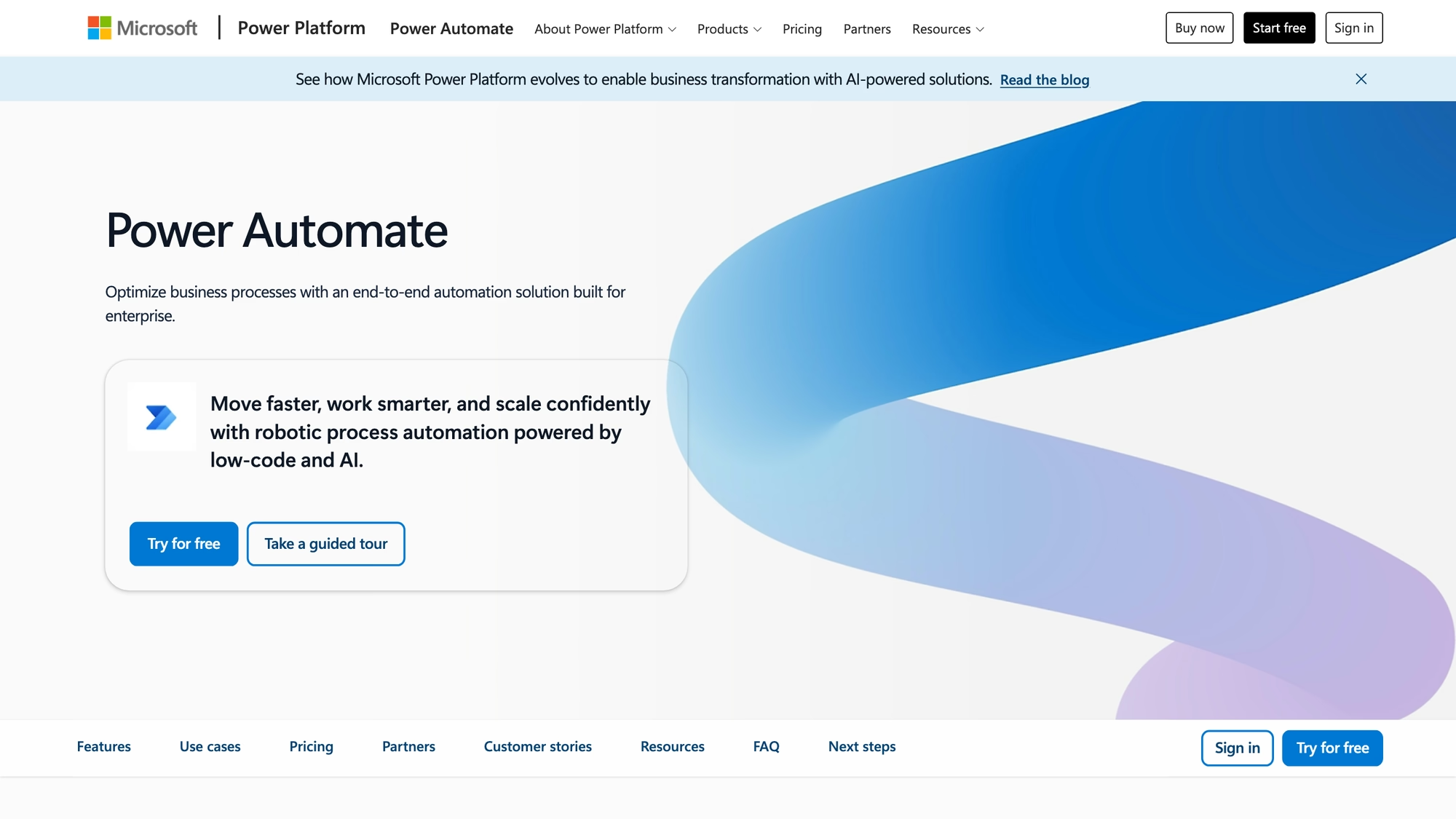
Microsoft's pricing page is built around licences, and the rules change with the licence. One plan is described as for individual users, with cloud flows, attended desktop flows and process mining. A second is for core enterprise processes and unattended automation, where "a bot can execute one unattended desktop flow run at a time", so concurrency is bought per bot. A hosted process adds a virtual machine managed by Microsoft on Azure. Agents are billed by Copilot credits.
Best for: a Microsoft 365 organisation that also needs desktop automation and has someone to manage licences.
Do you need a connector platform or rules inside the inbox?
You need a connector platform when a workflow crosses apps and rules inside the inbox when it does not. A flow that creates a spreadsheet row from a form, posts to a chat tool and updates a CRM is a connector job, and Make, n8n, Activepieces, Pabbly Connect, Power Automate and Zapier all do it. A flow that routes a chat by language, escalates a conversation with no reply after a set number of hours and opens a ticket needs the data that already lives in the workspace.

Most teams need both.
Support and messaging teams often need both, in different places. Run the conversation rules where the conversation is, and send a webhook out when a step really has to reach another app.
Automate inside the tool for the work that stays in the tool, and use a connector for the work that leaves it.
RolChat and a connector platform together
A RolChat rule can send a webhook, and that is the hand-off to a connector platform. The rule fires on an event such as a new conversation or a created ticket, checks its conditions, and posts the event to an address you give it, where a Zap, a scenario or a flow picks it up. Each delivery carries a timestamp and an HMAC-SHA256 signature that the receiving side can verify.
For the return trip the documentation points to the API, which takes an API key created under Settings and Plugins, so a flow in another tool can create a contact or update a record in RolChat. Keep the pairing small. One rule, one webhook and one flow is easier to debug than a chain that bounces between the two.
Check the hook address before you trust it, because anyone who holds it can post to it.
What does each platform count as one unit of work?
A unit decides how a plan behaves when volume grows, and the table below names it for each vendor in the vendor's words. The rule in every row has a condition that reverses it, and that condition is the thing to read on the pricing page.
| Platform | The unit | The condition that changes it |
|---|---|---|
| Zapier | Tasks per month | The plan tier sets the task tier and what a Zap may contain |
| Make | Credits and active scenarios | Plan tier; the pricing page could not be read on 16 November 2026 |
| n8n | Workflow executions | The plan: Business is self-hosted only, and the Community Edition is on GitHub |
| Activepieces | Credits on a flat plan fee | Overage waits for tomorrow on the entry plan and has a per-credit rate on paid plans |
| Pabbly Connect | Tasks, action steps only | Monthly or one-time plan; each lists its own task allowance |
| Power Automate | Per user, per bot, Copilot credits | The licence type |
| RolChat | Rules per plan, per company | Standard raises the rule count and the agent count |
Arithmetic is simplest where the unit is a company. A team of four outgrows Lite's three agents and takes Standard at $49 a month. A team of twelve pays $49 + 2 x $5 = $59 a month, because Standard covers ten agents and each extra agent is $5, which comes to about $590 a year on annual billing: $490 for the plan plus $100 for two extra agents at ten months each. With a platform that counts tasks or executions, the volume of messages decides the bill instead, and the vendor's plan page is where to find that unit.
When the allowance runs out
Every metered tool has a wall, and the pages differ on what happens at it. Activepieces says that on its entry plan the credits reset daily and going over waits for tomorrow, while Plus and Team name a per-credit rate after the allowance. n8n says you only pay when a workflow runs from start to finish. Pabbly Connect says triggers and internal steps are free tasks and only action steps consume the count, so the allowance stretches further on a flow with many internal steps.
Zapier, Make and Power Automate state their limits on plan pages that need reading line by line, and Make's pricing page could not be read on 16 November 2026. Ask each vendor in writing whether a flow stops, waits or bills when the limit is reached, because a queue of unanswered customers is the cost of the wrong answer.
Can I self-host a Zapier alternative?
Yes, with two of these platforms and a conditional third. n8n offers a Community Edition on GitHub and a Docker or on-prem deployment, and Activepieces lists cloud or on-prem hosting on every plan and an air-gapped option. RolChat's Enterprise plan lists on-premise deployment, with custom limits and terms, as a custom engagement and not a self-serve edition. The pages checked for Make, Pabbly Connect and Zapier do not describe a self-hosted option, and Power Automate pairs cloud flows with desktop flows for robotic process automation.
Self-hosting is a trade.
You control where data lives and you carry upgrades, backups and uptime, so the saving on a meter is not free.
What to check on a free option or a trial before rebuilding a flow
Free options and trials change often, and this page shows no competitor offers or prices, so the vendor's own pricing page is the place to read them on the day you decide. The cap matters more than the label, because it decides whether the option is a real tool or a demo.
| What to check | Why it matters for support workflows |
|---|---|
| Steps per workflow | A flow that looks up a contact, posts a message and updates a record needs more than two steps |
| Webhooks | A hand-off from a helpdesk or an inbox usually starts with a webhook |
| Allowance and what happens at the limit | A queue of customers should not wait for tomorrow's reset |
| Users | Two people building flows need two seats on some plans |
| Hosting | Some vendors offer a self-hosted edition, which moves the work of running it to you |
RolChat has no free-forever plan: the trial lasts 30 days, and the limited Founding 300 offer described in the RolChat section gives the first 300 companies Lite free for 12 months.
What to test during a trial
Rebuild one real workflow, not a demo. The four checks below take an afternoon and show where each tool's rule gives way.
- Pick the workflow that fires most often and count how many units of the vendor's meter one run uses.
- Make it fail on purpose, and see whether the tool retries, stops or tells someone.
- Send the event that matters from a real conversation, and check what data reaches the next step.
- Ask what the tool does when the allowance is used up: stop, wait or bill.
If a flow starts in a chat, ticket or contact, test it as a rule in RolChat first, and use the tickets page to see how SLA timers and escalations behave before you add a connector.

Compare
This table uses only what each vendor publishes, with the unit in the vendor's own terms and no amounts. Zapier is added as a reference row, and Zapier's plan amounts are on Zapier's own page. Pages were checked on 16 November 2026.
| Platform | Counts | Hosting as published | Support or messaging use named on the page checked |
|---|---|---|---|
| RolChat | Rules per plan, per company | Cloud; on-premise on the Enterprise plan | Its core: conversations, tickets and contacts |
| Make | Credits and active scenarios | Not stated on the home page | A customer service solution in the menu: "Automate to resolve tickets fast" |
| n8n | Workflow executions | Hosted, Docker or on-prem, Community Edition on GitHub | A refund request flow on the home page, and customer stories on alert triage and lead qualification |
| Activepieces | Credits on a flat plan fee | Cloud, your servers or air-gapped | A support agent that escalates to a human |
| Pabbly Connect | Tasks, action steps only | Not stated on the page checked | WhatsApp automation in the use-case menu |
| Power Automate | Per user, per bot, Copilot credits | Cloud flows and desktop flows, with a Microsoft-hosted option | Microsoft Teams, Excel and SharePoint |
| Zapier | Tasks per month | Not stated on the pages checked | Customer support as a listed use case |
FAQ
What is the best alternative to Zapier?
It depends on what the workflow touches. Make, n8n, Activepieces and Pabbly Connect are general connector platforms, Power Automate suits Microsoft 365 shops, and RolChat suits a team whose workflows start from a conversation, a ticket or a contact and stay inside one workspace.
Is there a free alternative to Zapier?
Free options and trials change often, and this page shows no competitor offers, so read each vendor's pricing page on the day you decide and check what the free option caps: steps, credits, users and webhooks. n8n also publishes a self-hosted Community Edition on GitHub. RolChat has no free-forever plan, only a 30-day trial.
What is an open source alternative to Zapier?
n8n publishes its source code on GitHub and offers a self-hosted Community Edition, and Activepieces says it runs on its cloud, on your servers or fully air-gapped. RolChat is not open source, though its Enterprise plan lists on-premise deployment.
How does Zapier pricing work?
Zapier's pricing page lists Free, Professional, Team and Enterprise plans and asks how many tasks you need each month, so the bill follows tasks and tiers. The amounts are on Zapier's own page.
What are the main Zapier competitors?
The Zapier competitors profiled here are Make, n8n, Activepieces, Pabbly Connect, Power Automate and RolChat. Workato is another name that comes up and is an enterprise integration platform, so it is not profiled.
Can RolChat replace Zapier?
Only for workflows that start and end in RolChat. Its rules act on conversations, tickets and contacts, and a rule can send a webhook, but RolChat has no catalogue of thousands of third-party app triggers, so cross-app flows still need a connector platform.
Can I connect RolChat to Zapier?
RolChat's documentation lists a Zapier webhooks plugin that sends RolChat events to a Zapier catch-hook URL, and says the plugin is maintained by the community. To act back on RolChat from a Zap, the documentation points to the RolChat API with an API key.
Which Zapier alternative is cheapest?
Compare what each platform counts before the amount. Zapier and Pabbly Connect count tasks, Make counts credits, n8n counts workflow executions, Activepieces counts credits on a flat plan fee, and Power Automate counts per user or per bot. RolChat counts rules per plan, and Lite is $19 a month for 3 agents on its pricing page of 16 November 2026.

Writes about customer support operations, live chat, AI-assisted service and the tooling behind great customer experience.
LinkedIn